Android phone and tablet
Available
- 1Tap “Download the app”.
- 2Open the file, then allow the install if Android asks.
- 3Ziggy appears with your apps.
Google Play: in preparation
Ziggy is on his way…
 The Ziggy apps
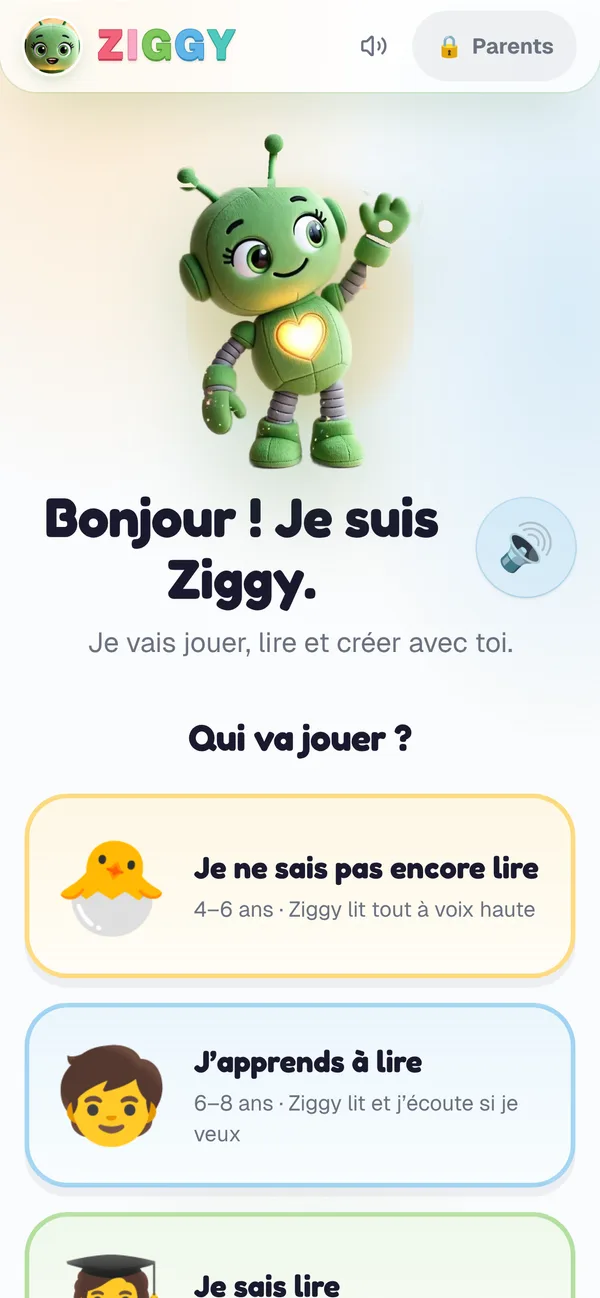
Phone, tablet and TV: the same stories, games and creations, in an app made for children.
Free download · Version 1.2.0 · Android 7 or newer
You are already in the Ziggy app 🎉
Google Play: in preparation
ziggy-ai.fr/apk
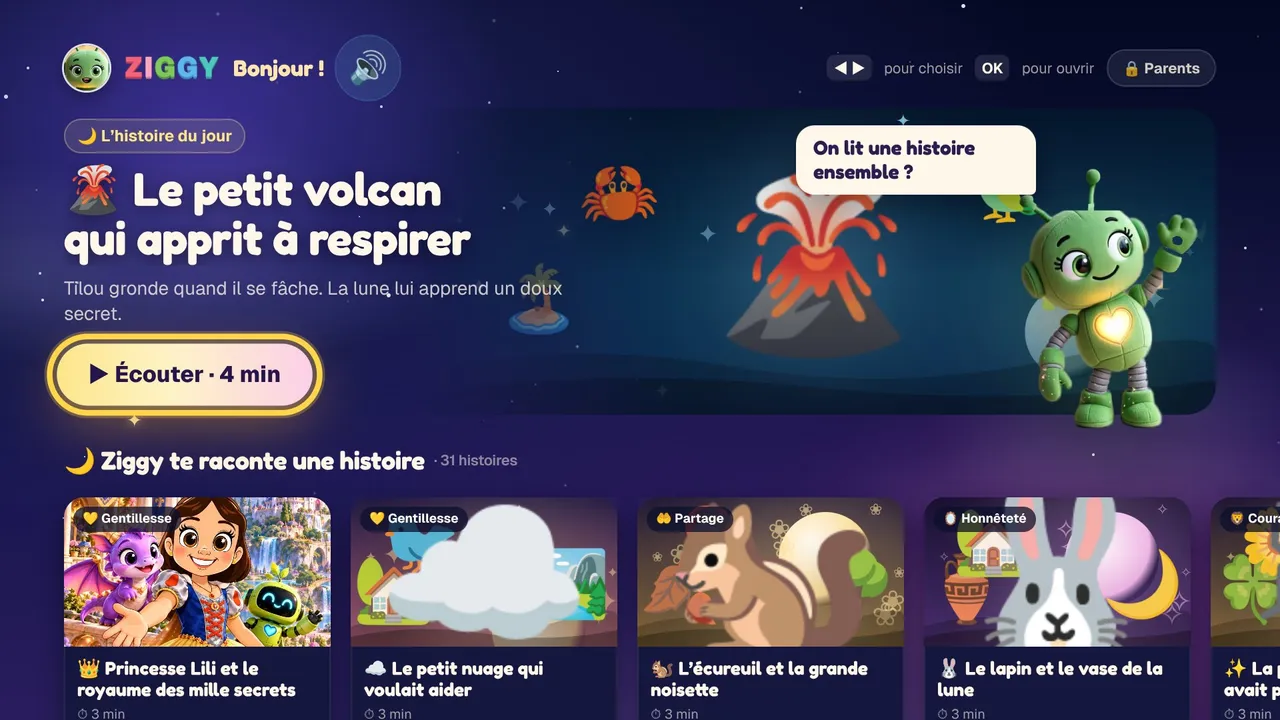
On the TV, Ziggy works entirely with the remote.
Meanwhile, add Ziggy in three steps:
Ziggy then opens full screen, like an app.
Ziggy runs right in the browser: Chrome, Edge, Firefox or Safari.
Never, anywhere.
Nothing for a child to buy.
Anything that leaves the app goes through a grown-up check.
New stories and games arrive on their own.
The apps are being prepared for Google Play and the App Store. Meanwhile, the Android app installs straight from this site. Android may warn that it does not come from the Play Store: tap “More details”, then “Install anyway”.
It is built automatically from Ziggy’s code and hosted on GitHub (github.com), where that code is published. It contains no ads and no trackers.
Rarely: stories, games and new features arrive straight in the app. To install a new version of the Android app before it reaches Google Play, uninstall the old one first.
